Job hunting in 2026 is more challenging than ever, with candidates applying to dozens of roles across platforms. The risk of missing out on interviews or offers increases if you lose track of your progress.
Staying organized is crucial to landing your dream job. A job application tracker notion template brings order to your search, helping you manage applications, interviews, and follow-ups in one place.
In this article, discover the 7 best Notion templates for job seekers. We compare features, pricing, and use cases to help you select the ideal tool for your next career move.
Job hunting in 2026 is a complex journey, shaped by rapid changes in the employment landscape. Staying organized is not just a bonus—it is essential. A job application tracker notion template can be the difference between missing opportunities and landing your ideal position.
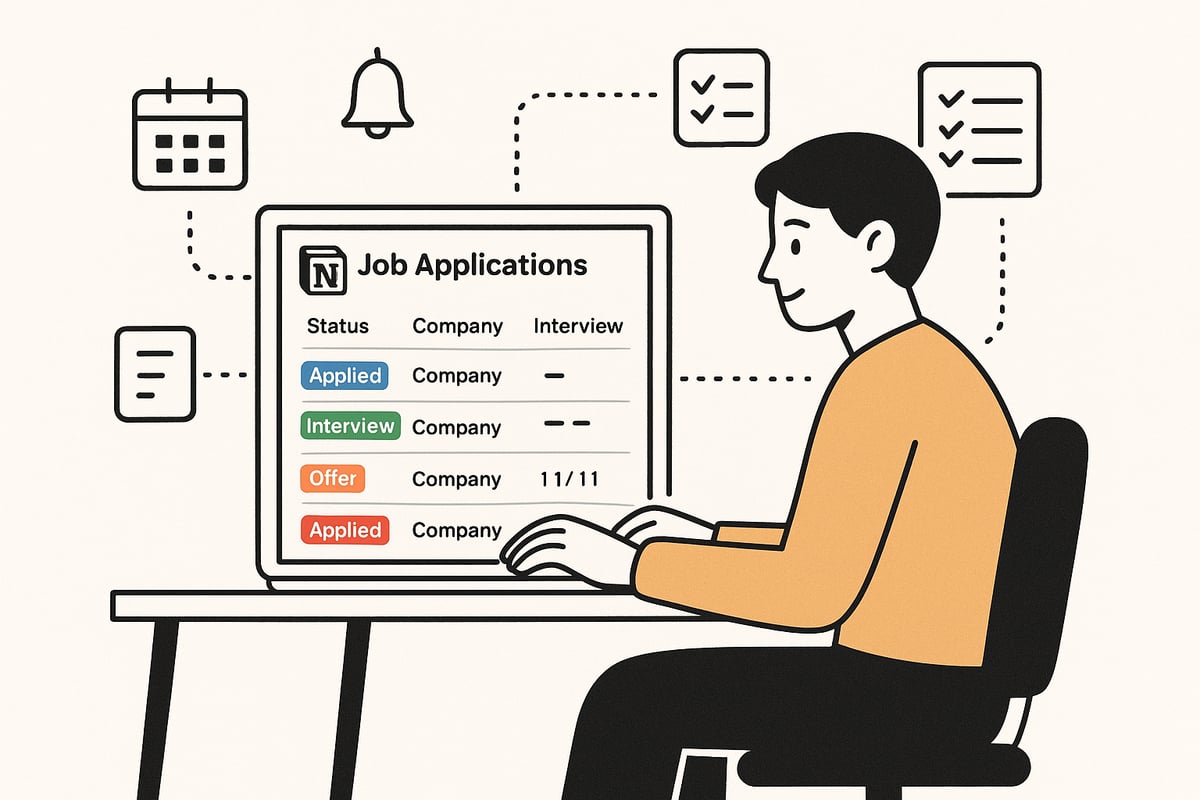
The job market in 2026 is defined by more remote and hybrid opportunities, connecting job seekers and employers across borders. This expanded reach increases competition, making the process more demanding. Job searches can vary widely in length, and candidates often need to submit many applications before receiving an offer.
Managing multiple roles, recruiters, and platforms is now standard. Without a job application tracker notion template, important deadlines and follow-ups can easily slip through the cracks.
A job application tracker notion template consolidates all your efforts in one place. You gain a centralized dashboard to view every application, interview, and follow-up at a glance.
Customizable fields let you record company names, statuses, salary expectations, and contact details. Visual tools like Kanban boards, tables, and timelines help you monitor progress. Reminders and calendar integrations ensure you never miss a critical date. Sharing your tracker with mentors or coaches makes collaboration and feedback effortless.
When evaluating a job application tracker notion template, prioritize these features:
These features help transform your job search from chaotic to controlled.
Consider a candidate who used a job application tracker notion template to manage their search. By tracking deadlines and follow-ups, they secured a job noticeably faster than their previous search. On the other hand, disorganization can cost you dearly—a missed interview due to poor tracking is a common and avoidable setback.
The need for digital organization is real. Job searches are often a lengthy and competitive process, from the first application through to an offer. The adoption of digital tools like job application tracker notion templates is rising, as more job seekers recognize their value in staying ahead.
For a detailed look at current job search statistics and trends, see the Job search statistics 2025.
A structured approach, powered by a job application tracker notion template, is no longer optional—it is the standard for successful job seekers in 2026.
Selecting the right job application tracker notion template can be the difference between a streamlined search and missed opportunities. With dozens of options available, it is essential to focus on fit, features, and usability to ensure your template supports your goals.
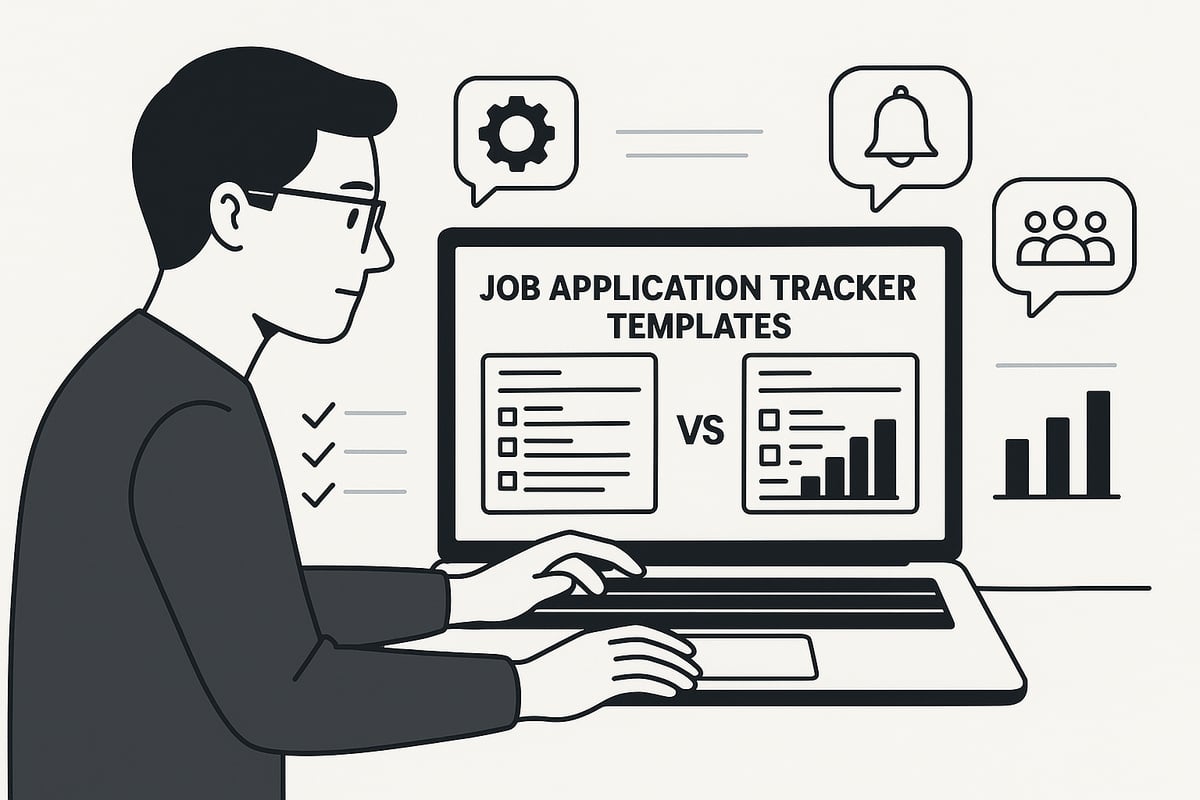
Begin by clarifying the scope and style of your job search. Are you pursuing a high volume of applications or targeting just a few dream roles? A job application tracker notion that supports bulk tracking is ideal for those casting a wide net, while a focused template works best for specialized or executive searches.
Consider the level of detail you require. Some candidates only need basic fields like company and status, while others benefit from advanced areas for salary, contacts, or interview notes. Industry matters as well—creative professionals may want space for portfolio links, while tech job seekers might prioritize skills fields.
Reflect on your workflow. If you need to track multiple campaigns, look for templates that can handle separate pipelines or segmented databases. By matching your needs to template capabilities, you maximize your job application tracker notion’s effectiveness.
Next, compare the core features offered by each template. Prioritize templates with customizable fields, allowing you to tailor the job application tracker notion to your process. Visual layouts like Kanban boards, tables, or calendars can make progress tracking intuitive.
Built-in reminders, follow-up prompts, and integration options with platforms such as LinkedIn or calendars are invaluable for staying proactive. Sharing features are important if you plan to collaborate with mentors or coaches.
For a curated overview of top options, explore the Notionland Templates Directory, which highlights a wide range of job application tracker notion templates and their key attributes.
Ease of use is crucial, especially when tracking applications on the go. A well-designed job application tracker notion should be mobile-friendly, quick to update, and simple to set up. Look for templates that offer guided onboarding or clear documentation, which can save valuable time.
Export and sharing options add flexibility, enabling you to back up your data or collaborate with others as needed. If you frequently switch devices, ensure your chosen template syncs seamlessly across platforms.
Accessibility features like intuitive filtering, color coding, and concise layouts further enhance your daily workflow. The right job application tracker notion should adapt to your habits, not the other way around.
Templates range from free to premium, so weigh what you get for your investment. Free templates often cover the basics, while paid options may deliver advanced automation, enhanced visuals, or ongoing support.
| Template Type | Cost | Typical Features | Best For |
|---|---|---|---|
| Free | $0 | Basic tracking, limited customization | Students, light users |
| Premium | $10–$30+ | Automation, reminders, support | Professionals, power users |
Community support and template updates also factor into long-term value. Some premium templates include access to private groups or regular enhancements, which can justify the cost if you plan an extended search. Always compare the features and support levels before committing to a paid job application tracker notion.
Let us consider a few real-world situations:
By matching your scenario to a template’s strengths, you ensure the tool amplifies your efficiency, helping you navigate the complexities of modern job hunting with confidence.
Looking for the ultimate job application tracker notion template to streamline your job search in 2026? With so many options available, choosing the right template can make all the difference in staying organized, motivated, and proactive. Explore these seven top-rated templates, each designed to simplify the process and help you land your next opportunity with confidence.
The Notionland job application tracker notion template is a favorite among job seekers aiming for efficiency and customization. This template offers both free and premium options, with the premium version starting at $9 and additional perks available through the Notionland Club.
Core Features:
Unique Selling Points:
Target Audience:
Ideal for professionals, students, freelancers, and anyone managing multiple job applications.
Pros:
Cons:
If you want a flexible job application tracker notion template that grows with your needs, Notionland is a top contender.
For those starting out or preferring simplicity, the Easlo job application tracker notion template is a standout. This completely free template is designed with clarity and ease of use in mind.
Core Features:
Key Benefits:
Target Audience:
Entry-level job seekers, students, or anyone new to Notion.
Pros:
Cons:
If you're seeking a straightforward job application tracker notion template, Easlo's solution is practical and efficient.
Ambitious professionals and high-volume applicants will appreciate the job application tracker notion template from Thomas Frank. Priced at $29, this premium system delivers a comprehensive workflow for every stage of your job search.
Core Features:
Unique Selling Points:
Target Audience:
Career changers, professionals managing multiple campaigns, and those seeking a holistic approach.
Pros:
Cons:
For those looking to maximize every aspect of their job application tracker notion workflow, this template is a powerful ally.
Template Road offers a versatile job application tracker notion template, available in both free and premium versions. Its flexibility makes it a strong choice for job seekers with varied needs.
Core Features:
Key Benefits:
Target Audience:
Professionals, students, and freelancers juggling multiple opportunities.
Pros:
Cons:
This job application tracker notion resource is perfect for those who want to tailor their tracking experience without a steep learning curve.
Created by Notion expert Red Gregory, this job application tracker notion template is a popular free option for users who value reliability and community support.
Core Features:
Unique Selling Points:
Target Audience:
Notion enthusiasts and job seekers who want a tried-and-tested template.
Pros:
Cons:
If you want a reliable job application tracker notion template with a supportive community, Red Gregory's version is a smart pick.
The Notionway job application tracker notion template stands out for its visual pipeline and integration with Notion's calendar features. It's free and designed for recent graduates, career switchers, and anyone seeking a visually engaging workflow.
Core Features:
Key Benefits:
Target Audience:
Job seekers who value visual organization and calendar syncing.
Pros:
Cons:
If you want a job application tracker notion template that is both attractive and functional, Notionway delivers a great balance.
The Productivists' job application tracker notion template is designed by a productivity-focused community, ensuring practical workflows and regular updates. This free template combines essential tracking with space for reflection and export options.
Core Features:
Unique Selling Points:
Target Audience:
Anyone valuing community input and productivity systems in their job application tracker notion template.
Pros:
Cons:
Seeking a job application tracker notion template that encourages both organization and reflection? The Productivists' template is worth considering.
Staying ahead in your job search requires more than just applying to openings. To get the most out of your job application tracker notion template, follow these actionable strategies for setup, organization, collaboration, and leveraging integrations.
Begin by customizing your job application tracker notion template to reflect your industry and personal goals. Add fields for company name, position, salary range, and contacts. Use tags for quick filtering, such as "remote," "onsite," or "priority."
Integrate reminders and deadlines directly within your template to avoid missing important dates. Personalization ensures your tracker aligns with your workflow and maximizes efficiency.
Regularly update your job application tracker notion to maintain accuracy. Set aside time weekly to review application statuses and upcoming interviews.
Consistent updates help you spot trends and areas for improvement in your job search process.
Sharing your job application tracker notion template with mentors or career coaches can provide valuable insights. Enable sharing permissions for real-time feedback.
Utilize the comments and notes sections to track advice, reflect on interviews, and store suggestions. Collaboration turns your tracker into a dynamic career management tool, not just a static record.
Enhance your job application tracker notion by connecting it with other digital tools. Sync your tracker with Google Calendar to manage interview schedules and deadlines seamlessly.
For advanced workflows, explore available integrations and widgets that boost productivity, such as Notion Tools and Widgets. These resources help automate reminders and create visual dashboards, optimizing your job search management.
One candidate saw their response rate improve noticeably after adding automated reminders to their job application tracker notion template. By tracking multiple offers in one place, another job seeker could easily compare benefits and make a well-informed decision.
Using these strategies, you can transform your job application tracker notion into a proactive hub that supports every stage of your job search.
Navigating the world of job application tracker notion templates can raise important questions about privacy, usability, and maximizing your job search. Below, we answer the most common inquiries to help you get the most from your digital job application tracker notion tool.
Notion uses industry-standard encryption to protect your data, both in transit and at rest. However, when using a job application tracker notion template, you should avoid storing highly sensitive personal information, such as social security numbers or banking details, within any workspace.
To enhance security:
For extra peace of mind, keep backup copies of your application data outside of Notion.
Migrating your job search data into a job application tracker notion template is straightforward. Most templates support importing data via CSV files, making bulk transfers easy. You can also manually copy and paste details for a more tailored setup.
For advanced users, the Notion API enables automated data migration from other platforms. If you need a step-by-step walkthrough, the Learn Notion Guide offers practical tips for mastering these processes and customizing your workspace efficiently.
Yes, every job application tracker notion template is compatible with Notion’s mobile app for both iOS and Android. You can update your tracker, add new applications, and receive reminders on the go. For best results, ensure your template is mobile-responsive and keep your app updated to the latest version.
Quick tips:
Most job application tracker notion templates are highly customizable. You can add extra fields for networking activities, portfolio links, or skill assessments. Many users expand their templates to include interview prep, company research, or even offer comparisons.
For inspiration, explore Notion's official job application tracker template, which provides a flexible foundation and links to related resources for broader career management.
Yes, alternatives to job application tracker notion templates include Excel, Airtable, and specialized job tracking apps. Excel and Airtable offer powerful spreadsheet functions and custom views, while dedicated apps may provide automation and integrations.
However, Notion stands out for its blend of flexibility, collaboration, and visual organization, making it a favorite among modern job seekers.
Consistency is key. Update your job application tracker notion template after every application, interview, or follow-up. Set aside time at least once a week to review your progress and ensure your data remains current.
Frequent updates help you spot missed opportunities and maintain momentum in your search.
You can discover new job application tracker notion templates on marketplaces, Notion-focused communities, and productivity blogs. Explore forums like Notionland, Reddit’s r/Notion, and YouTube channels dedicated to Notion workflows. Many creators offer free guides and updates for optimizing your career management system.
Looking to get even more out of your job application tracker notion setup? The right resources can help you customize, troubleshoot, and optimize every stage of your job search.
Top Notion Communities and Forums:
Guides and Tutorials:
More Inspiration: